
Walks on the drawing
Every 360° frame lands on the plan with position and heading. Step through it like street view, or jump to any spot.
From the first walk to the signed certificate: 360° walks, tasks, checklists and certificates in one place, each pinned to where it happened. Subcontractors join from an email. Every document can be checked.
From a one-off refit to the inspection you run every month: set a job up once, turn it into a template, and every next one starts ready — same tabs, task types, checklists and certificates.
Drawings, site walks, punch lists and handover — every subcontractor on the same plan.
Planned jobs with the same checklist every time; history per room, deck or piece of equipment.
Checklists on the phone, a Fail becomes a task on its spot, a signed PDF anyone can check.
Service reports and test certificates in your company’s letterhead — filled on site, sent the same day.
Scan what is there, mark what changes, track every area as a sub-project until it is done.
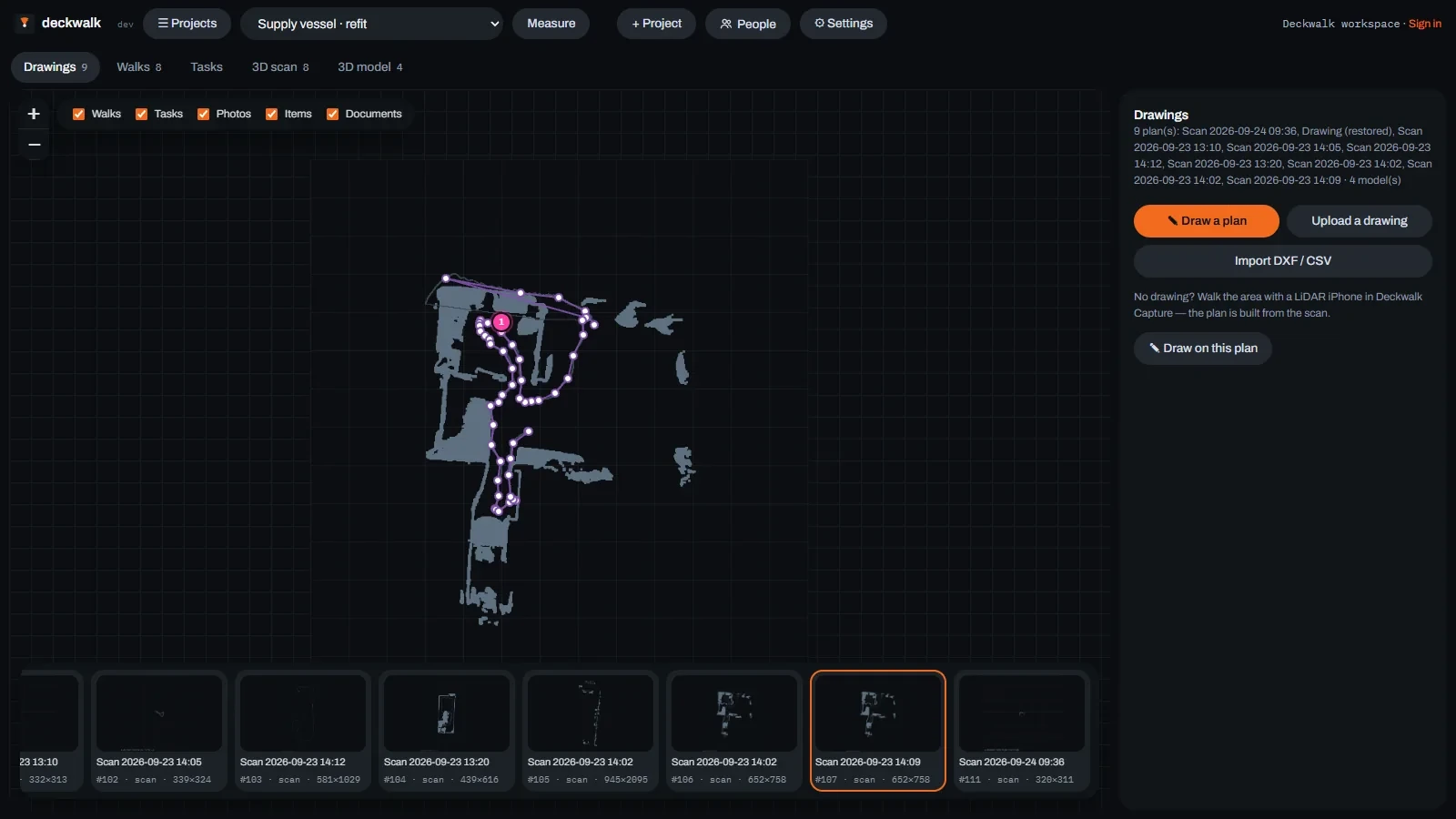
Upload the drawings or the 3D model, import a DXF — or let a LiDAR scan draw the plan.
Drawings & 3D →Walk the site with a 360° camera or a phone. Every frame lands on the drawing — compare any two dates.
Walks →Raise tasks and fill checklists on the spot. Mention the subcontractor — they open it from the email.
Tasks & forms →Reports and certificates in your letterhead, each with a QR code anyone can check.
Reports & certificates →Drawings and 3D the whole team opens — on site too.
The site as it is, on every date, pinned to the drawing.
Every 360° frame lands on the plan with position and heading. Step through it like street view, or jump to any spot.
Open the same place from another walk side by side, or hold the frame against the 3D model from the same pose.
Mark a defect, observation or RFI on the frame. Assign it, discuss it, attach site photos — it all stays on the task.
Measure on the plan, in the scan or with the phone on site. Outline a room and get panels, foam and equipment as a BOM.
Tasks, checklists and certificates — filled where the work is.
Type @ and their email. They get the task, the photo and its place on the plan straight away — and open it from the email. No accounts, no roles, no access to manage.
Checklists, punch lists, test certificates — drop the Excel, the PDF or a photo of the paper form you use today. AI turns it into a form your crew fills on the phone, and every filled form comes back as a clean PDF.
Documents your client can trust — and check.
The whole project or one drawing as a PDF: the numbers by status, type, company and overdue, the drawing with every task as a numbered pin, and each task with its photo and conversation — in your company’s letterhead.
Each report, checklist and certificate carries your company’s letterhead and a QR code. Whoever gets it — the client, the class surveyor, port state control — scans it with a phone camera and sees who issued it, when, and whether it is still the current version.
No fixed workflow to fit into. You decide the tags, the templates and what happens when — and nest projects the way the job is really split.
Name them, colour them, put them on tasks, photos and walks. Filter everything by them.
Task types, checklists, report layouts and room specs. Build one once, reuse it on every project.
Simple rules: who is notified, when a task closes, what a new walk does.
A vessel, then its systems. A site, then its buildings. Sub-projects inherit the drawings above them.
For project managers, superintendents and QA/QC leads. We load your drawings, do the first walk with you and turn your checklists and certificates into forms. After four weeks: the job on its drawings, the tasks closed, the documents in your letterhead.